

What is Do Not Disturb in the browser extension?


Selecting Do Not Disturb in the browser extension Preferences allows you to block all sites from sending you notifications.
Many sites request that you allow them to send you notifications. This allows those sites to spam you even when you're not browsing that site with OS level notifications. This has legitimate use cases, but most sites abuse this browser function for marketing purposes.
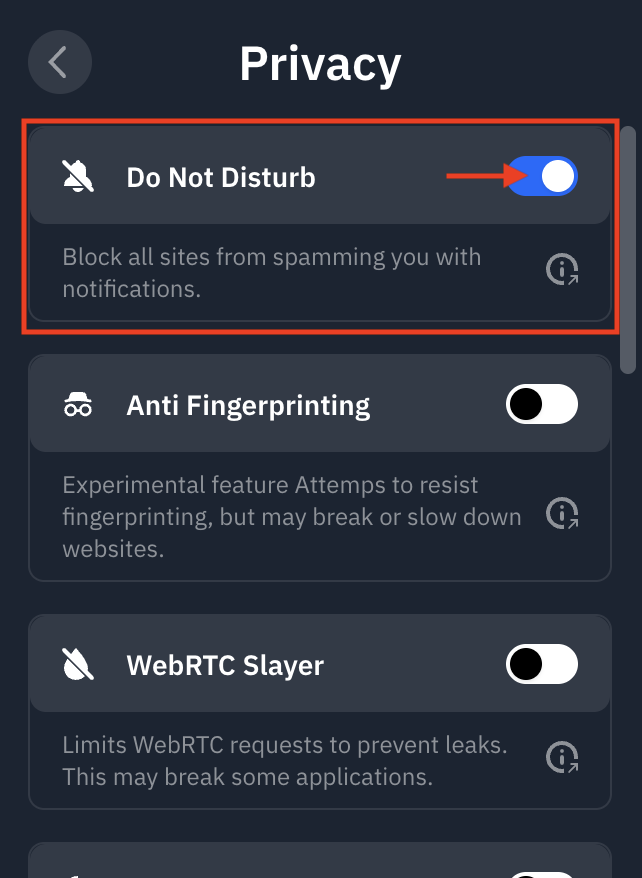
You can find the Do Not Disturb feature in the extension by going to Preferences > Privacy and enabling Do Not Disturb:
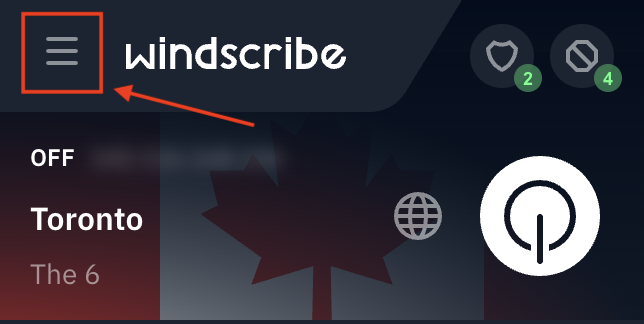
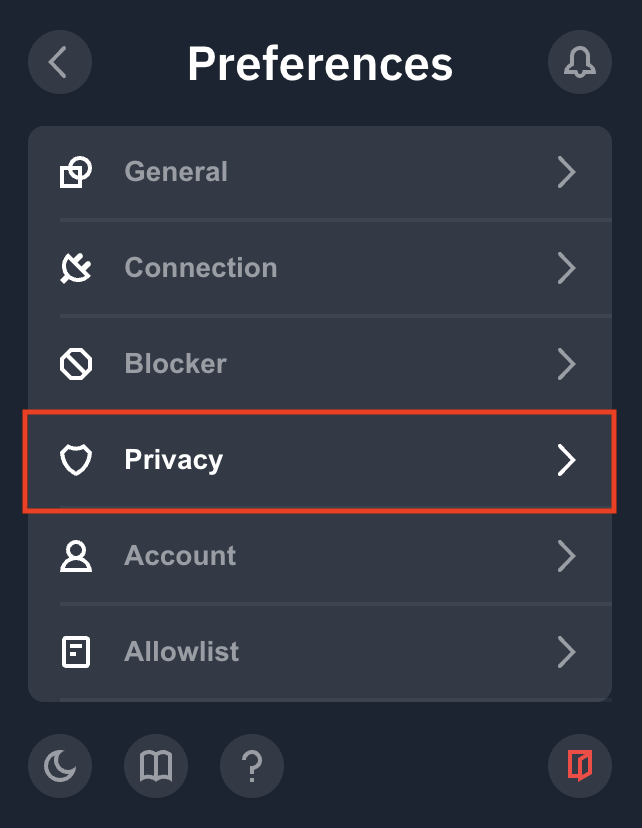
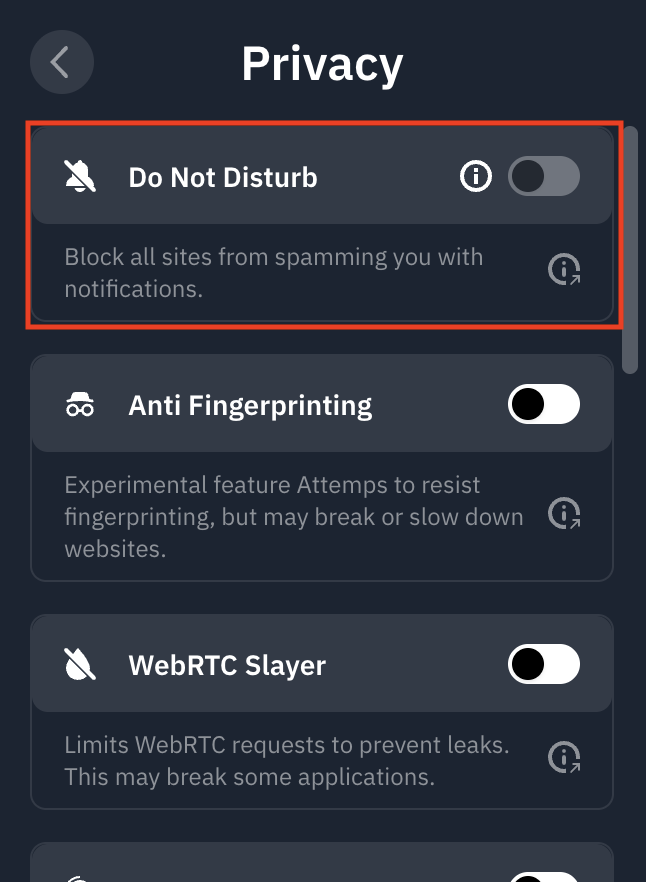
If this is your first time using the feature, you'll notice it is greyed out, required additional permissions. Click the i icon to left of the toggle, and follow the steps:
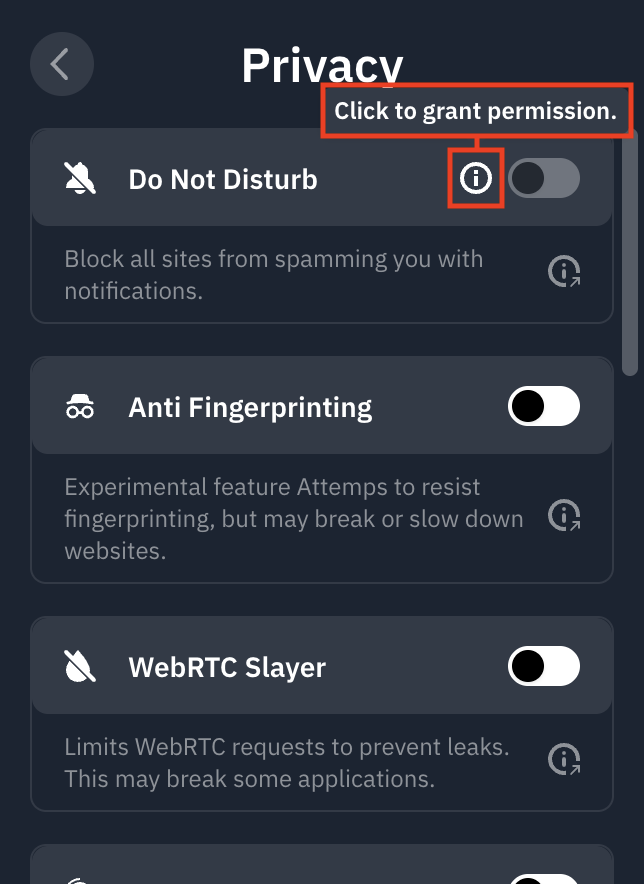
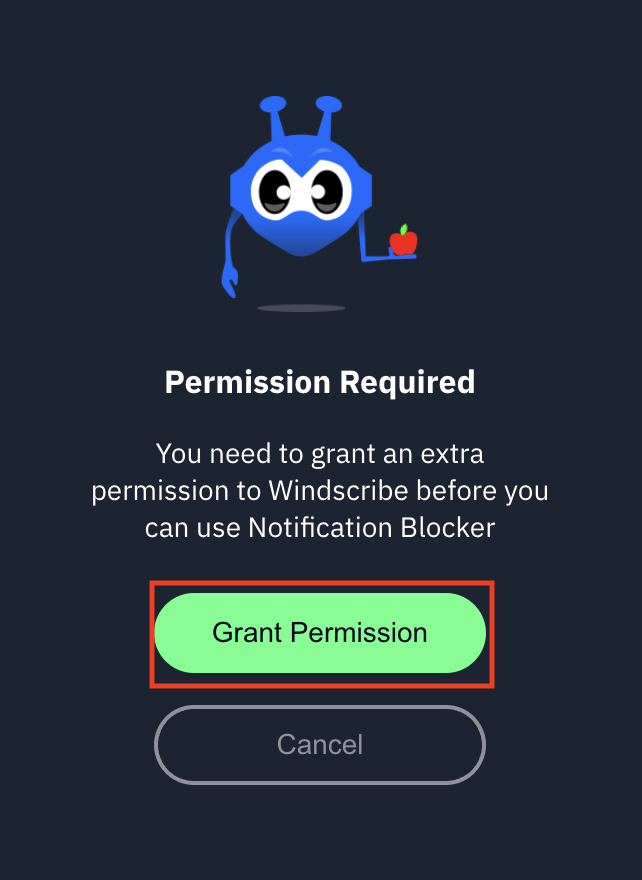
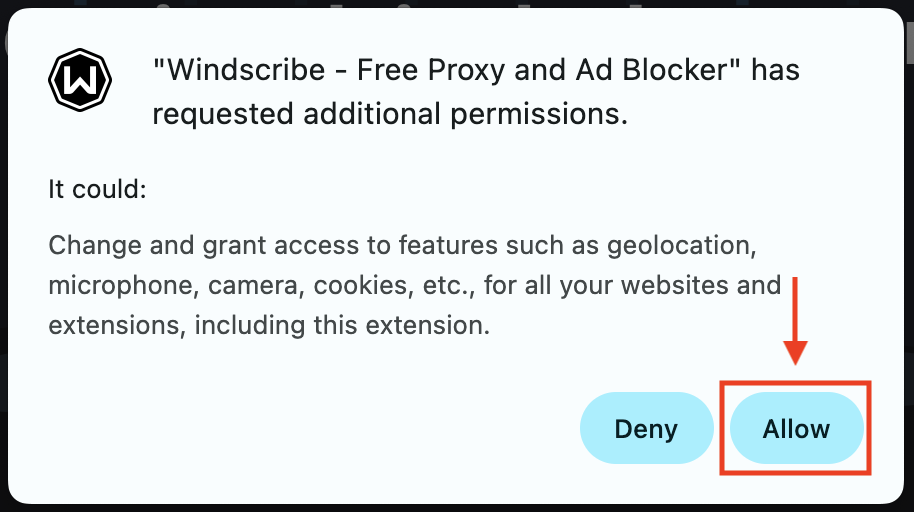
Once complete, you'll be able to toggle the switch on (blue) and off to use the function:
Explore this and other privacy features in our comprehensive VPN Chrome extension.