

What is the Time Warp feature in the Browser Extension?


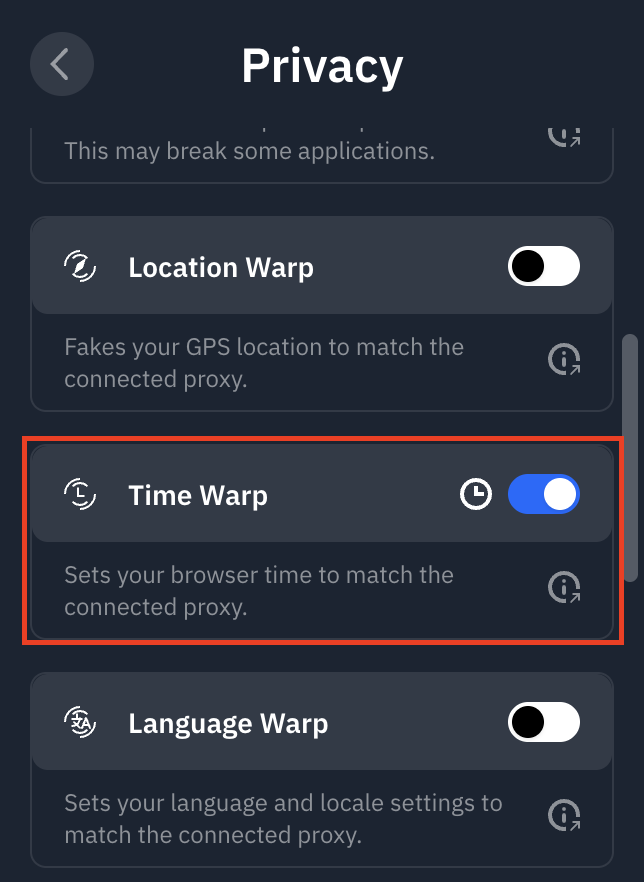
The Time Warp feature sets the time zone in your browser to match that of the location you're connected to in the extension.
You can access it in the Windscribe browser extension by going to Preferences > Privacy and enabling Time Warp.
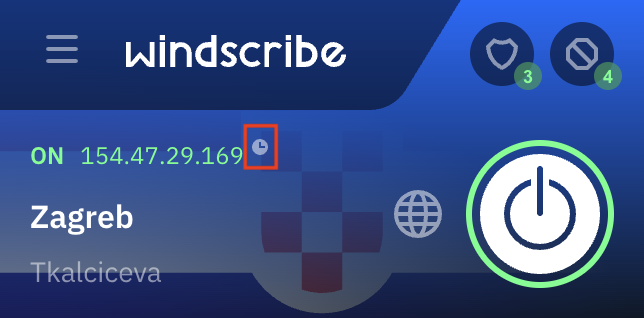
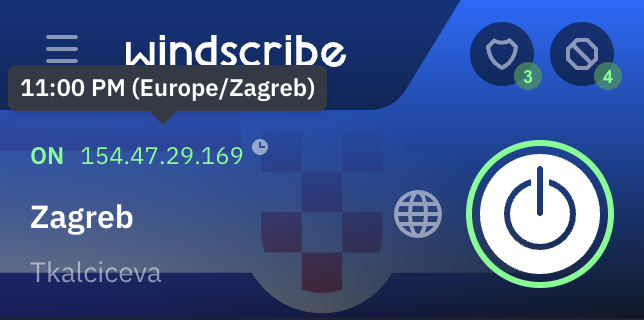
You will see a little clock icon in the main interface when Time Warp is enabled. Hovering over will show you the time in that region.
This feature is useful as some websites can detect the fact that you're using a proxy or VPN by checking what time zone is configured in your browser. For example, if you are connected to the Germany location, but your computer's time zone is set to Eastern Standard Time (in North America), the website can detect this difference and lock you out. The Time Warp feature prevents this kind of detection by changing your browser time to Germany as well.