


Encrypted data, no tracking.

Access streaming and voice over IP services.

Avoid travel booking price hikes.

Your browsing, your business.
Why Should You Use a VPN While Traveling?



Some governments monitor and log everything you do online, including visitors from other countries.
We don’t just talk about security, we deliver it.
- AES-256-GCM Encryption: Keeps your internet activity completely private.
- Zero Logs: We retain no information on our users, including any identifying logs. Check out our ethics and philosophy.
- Bypass Censorship & Geo-Blocks: Unrestricted access to streaming and social media.
- Secure Public Wi-Fi: Prevent scammers from intercepting your data.
- Avoid Price Discrimination: Book flights and hotels at the lowest possible price.

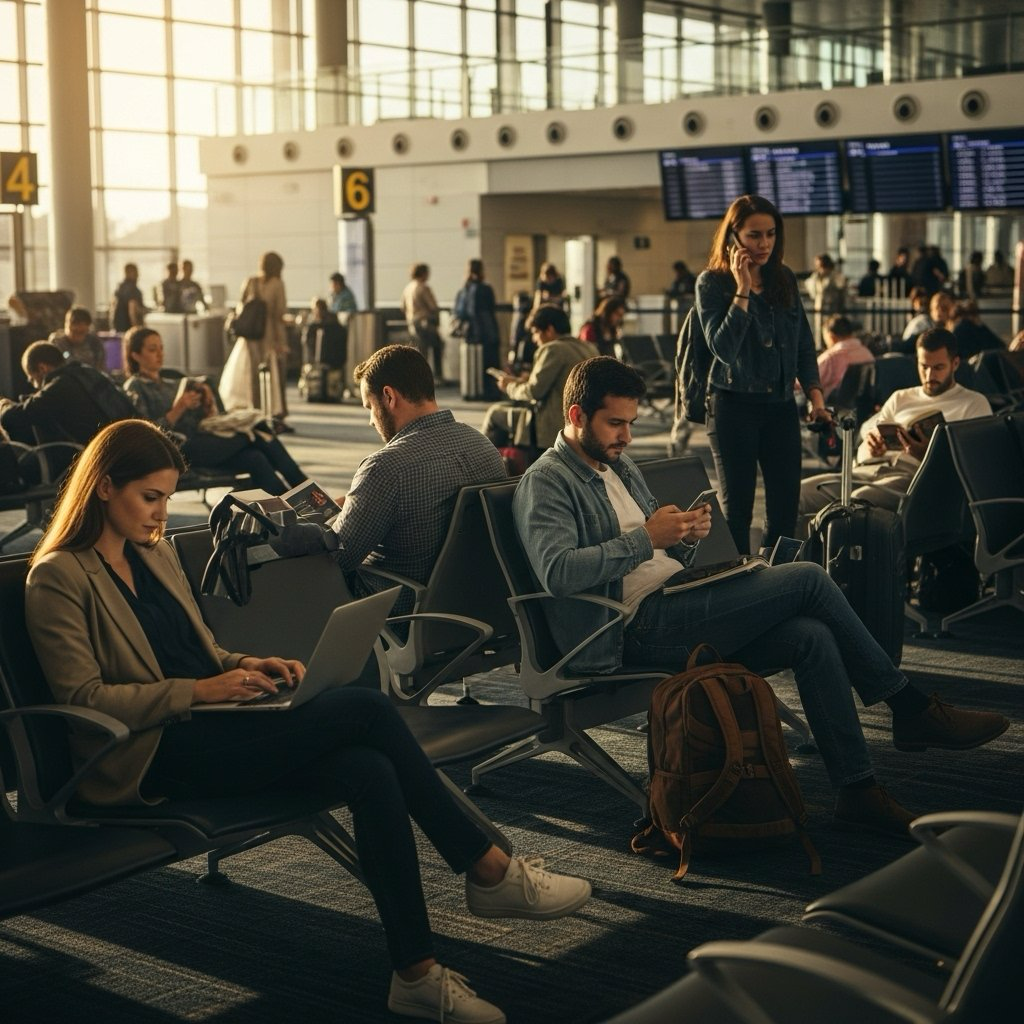
- Stay Safe on Public Wi-Fi: Airports, cafés, and hotels are hotspots for cybercriminals. Windscribe keeps your data locked down.
- Unblock Websites & Streaming Services: No more "This content is not available in your country." Watch what you want, wherever you are.
- Avoid Government & ISP Surveillance: Whether you're in a censorship-heavy country or just want privacy, Windscribe keeps your browsing hidden.

Connecting to that random Wi-Fi hotspot can cause more harm than good, with unsecured networks attracting scammers and malicious entities.
- Always use a VPN before connecting to any Wi-Fi network, including those in your hotel or nearby cafe.
- Don’t make large purchases unless absolutely necessary, and set up 2FA wherever possible.
- Only connect to ‘HTTPS-secured’ websites.
- Log out of all sites and apps when your session finishes.

Don’t rush into a decision. Here’s what to consider as you choose the best VPN for your needs:
- Industry-leading encryption and privacy tools.
- Global servers, optimized for speed and low latency.
- Flexible plans, with no hidden fees or lengthy contracts.
- Friendly & responsive customer support.

Step 1
Step 2
Sign Up
Step 3
Connect
Loved & Trusted by Over 100 Million Users



Features

6 Encryption Protocols
Widest Server Reach
Most 10 Gbps Servers
Industry-Leading Ad Blocker
Privacy: Audited & Court-Proven
Features

Other VPNs
6 Encryption Protocols
Widest Server Reach
Most 10 Gbps Servers
Industry-Leading Ad Blocker
Privacy: Audited & Court-Proven





Frequently Asked Questions
Which VPN Features Matter Most for International Travel?


Server locations are crucial for travelers. Choose a VPN with servers in countries you'll visit and your home country. This ensures you can access local content while traveling and maintain access to home services when needed.
Strong encryption is non-negotiable when traveling. Look for AES-256 encryption, which protects your data even on the most suspicious Wi-Fi networks. This military-grade security standard ensures your passwords, credit card details, and personal information remain safe.
Multi-platform support matters because most travelers use multiple devices. Your VPN should work seamlessly across your smartphone, laptop, and tablet with synchronized settings and consistent protection regardless of which device you're using.
Connection reliability becomes vital abroad, where finding stable internet can already be challenging. A VPN with automatic connection features ensures you stay protected even if your connection temporarily drops, which happens frequently when on the move. Plus, look for a Firewall kill-switch to keep you safe when your connection drops.
Low-profile operation helps in countries with VPN restrictions. Features like Stealth mode or obfuscated servers disguise your VPN traffic as regular browsing, making it harder for authorities or networks to detect and block your VPN connection.
Can a VPN Bypass Censorship When Traveling Abroad?
Yes, a quality VPN can effectively bypass internet censorship in most countries. When traveling to places with restricted internet access like China, Russia, or parts of the Middle East, a VPN reroutes your connection through servers in countries with free internet, giving you access to blocked services.
The effectiveness varies depending on the country and their censorship technology. Some nations employ sophisticated blocking methods that can detect and block basic VPN connections. Windscribe counters this with advanced features like Stealth mode that disguise VPN traffic as regular internet traffic, making it much harder to block.
For accessing social media platforms that might be restricted abroad, like Facebook in China or Twitter in Russia, a VPN provides a reliable workaround. This lets you stay connected with friends and family without interruption during your travels.
News websites and information sources are commonly censored in certain regions. A VPN ensures you maintain access to unrestricted information and stay informed about both local and global events through your trusted news sources.
While a VPN is a powerful tool for bypassing censorship, it's important to understand local laws regarding VPN usage. In some countries, using VPNs is technically against regulations, though enforcement typically focuses on local citizens rather than tourists.
How Do I Set Up a VPN for Travel on My Phone or Laptop?
Setting up a VPN before your trip is essential, as some VPN websites might be blocked at your destination. Download the Windscribe app for all your devices from our website or your device's app store while still at home.
For smartphones, installation is straightforward: download the app, create an account or sign in, and allow the VPN configuration when prompted. For iPhones, go to Settings after installation and toggle the VPN permission on. Android users will receive a security popup to accept when first connecting.
On laptops, the process is similar across operating systems. Download the appropriate version for Windows, Mac, or Linux, run the installer, and follow the on-screen instructions. After installation, sign in with your account credentials to access all server locations.
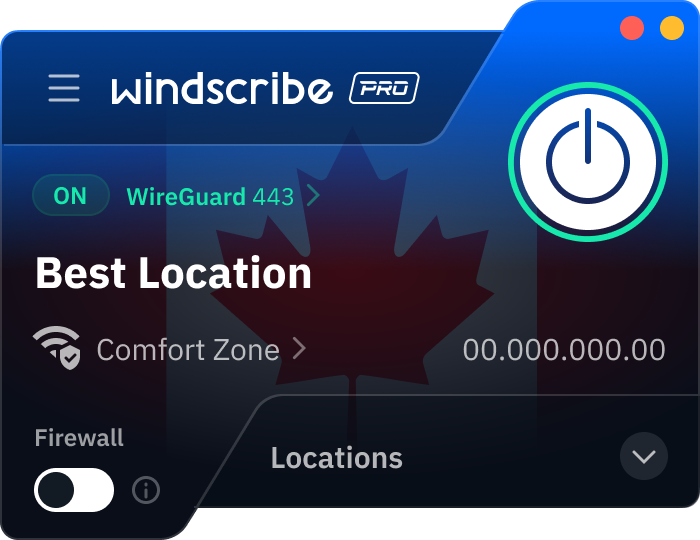
Configure auto-connect settings before traveling to ensure protection starts automatically when connecting to unknown networks. In the Windscribe app, navigate to Preferences, then go to Connections > Network Options and enable "Auto-Secure new networks".
Test your VPN before departure by connecting to servers in your destination country. This confirms everything works properly and familiarizes you with any speed differences you might experience. Also test essential services and websites you'll need abroad to ensure they function with the VPN active.
Why Do I Need a VPN When Traveling?
Traveling exposes you to numerous digital risks that a VPN helps mitigate. Public Wi-Fi networks in airports, hotels, and cafés are notoriously insecure, making them prime hunting grounds for hackers looking to steal personal information.
Different countries have varying internet restrictions. Without a VPN, you might suddenly lose access to essential services like Google Maps, WhatsApp, or even your banking website when crossing borders. A VPN ensures continuous access to the tools and websites you rely on.
Travel booking sites and airlines often display different prices based on your location. By changing your virtual location with a VPN, you can potentially save hundreds on flights, accommodations, and car rentals by seeing prices shown to local customers rather than tourists.
Your online privacy faces different challenges abroad. Some countries have extensive surveillance systems that monitor all internet traffic, including tourists'. A VPN encrypts your connection, keeping your browsing, messages, and personal information private from prying eyes.
Streaming services restrict content by region, meaning your subscriptions might not work while traveling. A VPN lets you connect to your home country, maintaining access to your favorite shows and movies even when thousands of miles away.